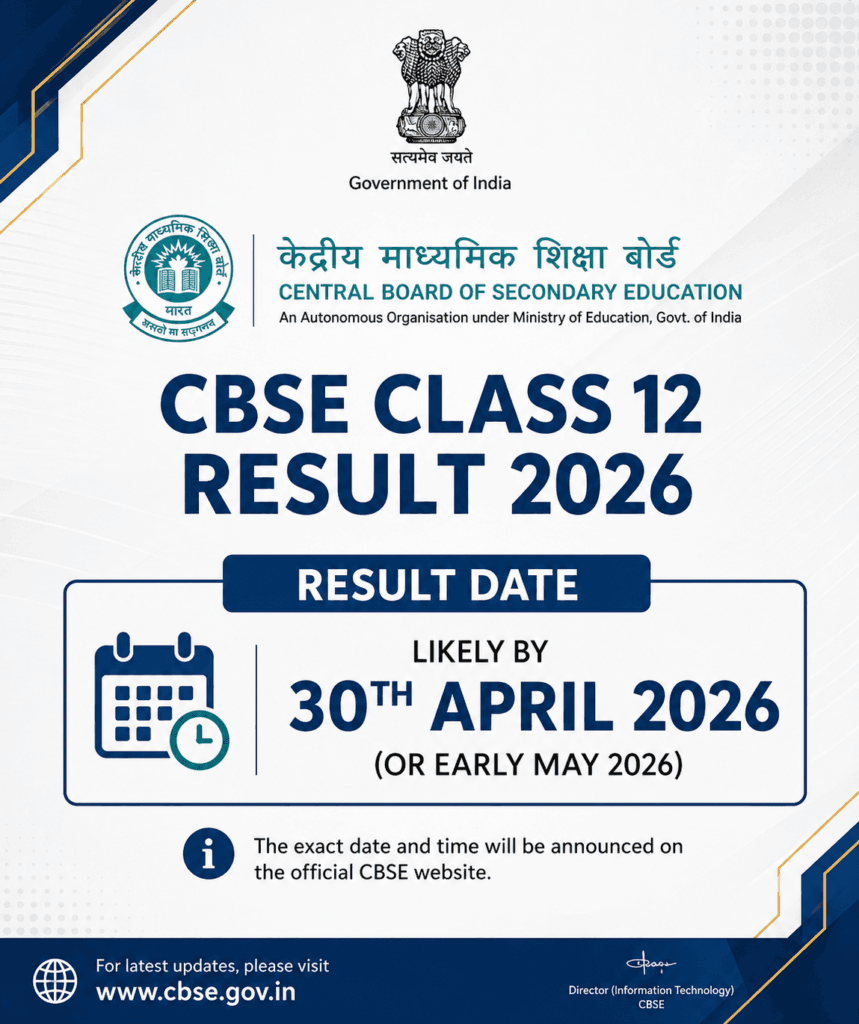
The CBSE Class 12 Result 2026 has been officially declared, marking a pivotal moment for lakhs of students across the country. This single scorecard determines future paths—whether it’s securing a college seat, choosing a course, or preparing for a compartment exam. In this guide, we walk you through everything you need to know about the CBSE Class 12 Result 2026, including how to check your marks, download your digital marksheet, and the essential steps to take immediately after the results are out.
The numbers behind this year’s result:
- Declared: 13 May 2026, around 1:20 PM
- Students appeared: Over 18.5 lakh, across 7,574 centres
- Overall pass percentage: 85.20%
- Girls: 88.86% | Boys: 82.13%
- Top-performing region: Trivandrum, at 95.62%
The CBSE Class 12 Result 2026 is finally out, and for lakhs of students across the country, this single number decides what comes next — a college seat, a course choice, or a compartment exam. This article walks through everything about the CBSE Class 12 Result 2026: how to check it, what it contains, and the exact steps to take in the days right after.
About CBSE
Students can easily verify their performance in the CBSE Class 12 Result 2026 by using their official roll numbers
The Central Board of Secondary Education (CBSE) is one of India’s largest national-level school education boards, conducting Class 10 and Class 12 board examinations annually for schools affiliated to it across India and abroad. The CBSE Class 12 Result 2026 covers students who appeared for board exams conducted from 17 February to 10 April 2026.
When Was the CBSE Class 12 Result 2026 Declared?
CBSE officially declared the Class 12 Result 2026 on 13 May 2026, with results going live simultaneously on the official CBSE websites. This year’s overall pass percentage stood at 85.20%, a slight dip from the previous year’s 88.39%. As has been the pattern in recent years, girls outperformed boys — 88.86% against 82.13%. CBSE discontinued releasing an official merit/topper list after 2020, in an effort to reduce undue pressure on students.
How to Check Your CBSE Class 12 Result 2026 Online
- Visit any of the official result portals — results.cbse.nic.in, cbse.gov.in, or cbseresults.nic.in.
- Click on the Class 12 (Senior Secondary) result link.
- Enter your Roll Number, School Number, Admit Card ID, and Date of Birth.
- Click submit — your result will be displayed on screen.
- Download and save a copy; take a screenshot as backup in case the portal slows down.
Note: The result portal typically slows down or becomes temporarily inaccessible in the first 30 minutes after declaration due to heavy traffic. If that happens, DigiLocker is usually a faster alternative.
Alternative Ways to Check Your Result
- Via DigiLocker: Log in to digilocker.gov.in or the DigiLocker app using your Aadhaar-linked mobile number or the security PIN shared by your school, then search “Issued Documents” for your CBSE Class 12 Marksheet. This digital copy is legally valid for college admissions.
- Via SMS: Send
CBSE12 <Roll Number> <Date of Birth in DDMMYYYY> <School Number> <Centre Number>to 7738299899. - Via IVRS: Call 24300699 (dial 011 first if outside Delhi), follow the automated instructions, and enter your school code and roll number to hear your subject-wise result.
- Via UMANG App: Available for both Android and iOS, offering the same result-checking functionality as the website.
What’s on Your CBSE Class 12 Marksheet
Your CBSE Class 12 Result 2026 marksheet includes your name, roll number, date of birth, subject-wise marks (theory and internal/practical), grades, and overall pass/fail status. To pass, a student needs a minimum of 33% in each subject, computed from combined theory and internal assessment/practical marks, along with specific subject-wise minimums as per CBSE’s marking scheme. Keep in mind that the result available on declaration day is provisional — schools distribute the original marksheet later, though the downloaded or DigiLocker version is accepted by most colleges for provisional admission in the meantime.
If You’ve Landed in Compartment
A compartment result means you’ve failed in exactly one subject while passing all others — it does not mean repeating the entire academic year. CBSE conducts compartment exams in July 2026, and clearing this exam counts as a full pass for that academic year. Students should check cbse.gov.in for the compartment exam schedule and application window immediately after the main result, since this window tends to close quickly.
What If You Want to Apply for Revaluation or Answer Sheet Photocopy?
CBSE allows students to apply for a photocopy of their answer sheet if they wish to verify their marks before deciding on revaluation. Note that CBSE has extended this deadline more than once in the current cycle due to technical issues on the revaluation portal, so students should keep checking cbse.gov.in for the latest confirmed deadline rather than relying on an earlier date they may have seen elsewhere.
What to Do in the 48 Hours After Your CBSE Class 12 Result 2026
- Download your marksheet from DigiLocker right away — many colleges begin filling admission seats within days of result declaration.
- Calculate your eligibility for your intended course; for example, B.Tech admissions typically require Physics, Chemistry, and Mathematics with a minimum aggregate that varies by college.
- If you appeared for entrance exams like JEE Main, keep that scorecard ready alongside your board result, since many engineering colleges use both together.
- Shortlist colleges with open applications rather than waiting for formal counselling to begin — several universities run direct admission processes that start the same day results are declared.
Frequently Asked Questions (FAQs)
Q1. When was the CBSE Class 12 Result 2026 declared?
On 13 May 2026, around 1:20 PM, on results.cbse.nic.in, cbse.gov.in, and cbseresults.nic.in.
Q2. What was the overall pass percentage this year?
85.20% overall — 88.86% for girls and 82.13% for boys.
Q3. What is the minimum passing mark for CBSE Class 12?
A minimum of 33% in each subject, computed from combined theory and internal/practical assessment.
Q4. Is the DigiLocker marksheet valid for college admission?
Yes, DigiLocker-issued CBSE marksheets are officially valid and accepted by colleges and universities across India for provisional admission.
Q5. What happens if I get a compartment result?
You’ve failed only one subject. CBSE conducts compartment exams in July 2026, and clearing it counts as a full pass for the year — you can still apply to colleges provisionally with your current result.
Q6. Does CBSE release a topper list or merit list?
No, CBSE discontinued releasing an official merit list after 2020 to reduce pressure on students.
Important Links
| Particulars | Link |
|---|---|
| Check CBSE Class 12 Result 2026 | https://results.cbse.nic.in |
| Official CBSE Website | https://cbse.gov.in |
| Download Marksheet via DigiLocker | https://digilocker.gov.in |
More Updates
| More Updates | |
|---|---|
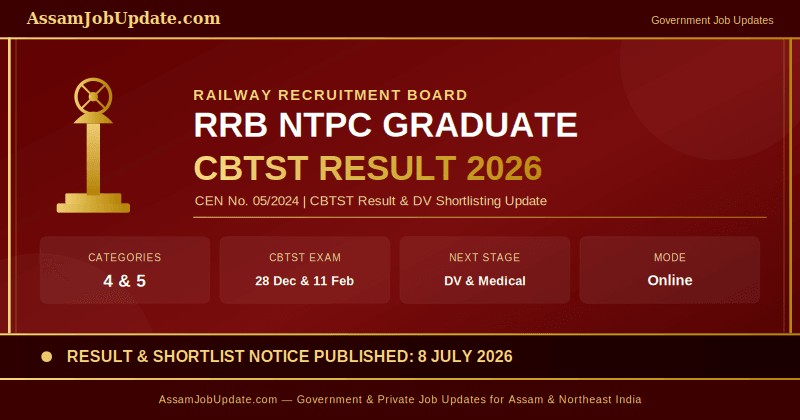
| RRB NTPC Graduate CBTST Result 2026 | Read More |
| Qatar Airways Cabin Crew Recruitment 2026 – Apply Now | Read More |
| SSC Hindi Translator Recruitment 2026: 84 Posts | Read More |
| Indian Overseas Bank Apprentice Recruitment 2026 – 750 Posts | Read More |
| SCPS Assam Recruitment 2026 – 88 CWC & JJB Posts | Read More |
Disclaimer
The information provided in this article is based on the official CBSE press release and verified sources at the time of writing. AssamJobUpdate.com does not guarantee real-time accuracy, as CBSE may update deadlines or procedures. Students are strongly advised to verify all details directly from cbse.gov.in.

Prakash Powrel is the Founder & Editor of Assam Job Update. He is dedicated to helping students and job seekers across Assam and Northeast India by publishing Government Jobs, Private Jobs, Admissions, Results, Scholarships, and Career updates based on official notifications and trusted sources.